OFFICE HOME OFFICE

Best Label Makers in 2026

The best label maker in 2026 is the Brother P-Touch PT-D220. After evaluating 35 label makers across thermal, laminated-tape, and embossing categories — testing print quality, tape durability, ease of use, and app connectivity — these 10 label makers stood out as the best options for home organization, pantry labeling, office filing, and small business shipping.

By WiseBuyAIUpdated March 18, 202610 Products Reviewed

OUR #1 PICK

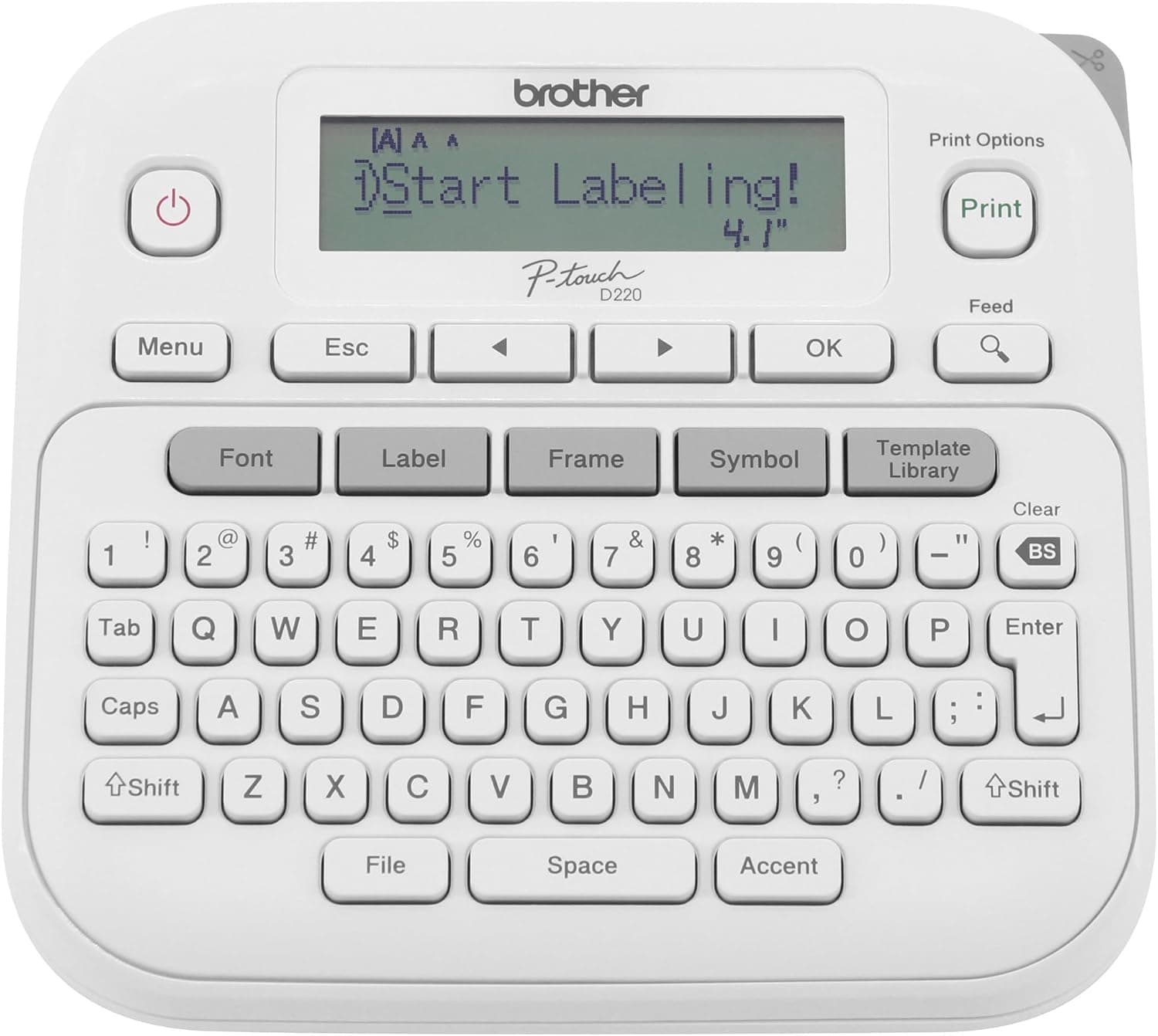
Brother P-Touch PT-D220

The Brother PT-D220 is the gold standard for home and office label makers, and it earned our top spot for good reason.

OUR TOP PICKS

#1

Brother P-Touch PT-D220

$49.99
SEE PRICE
#2

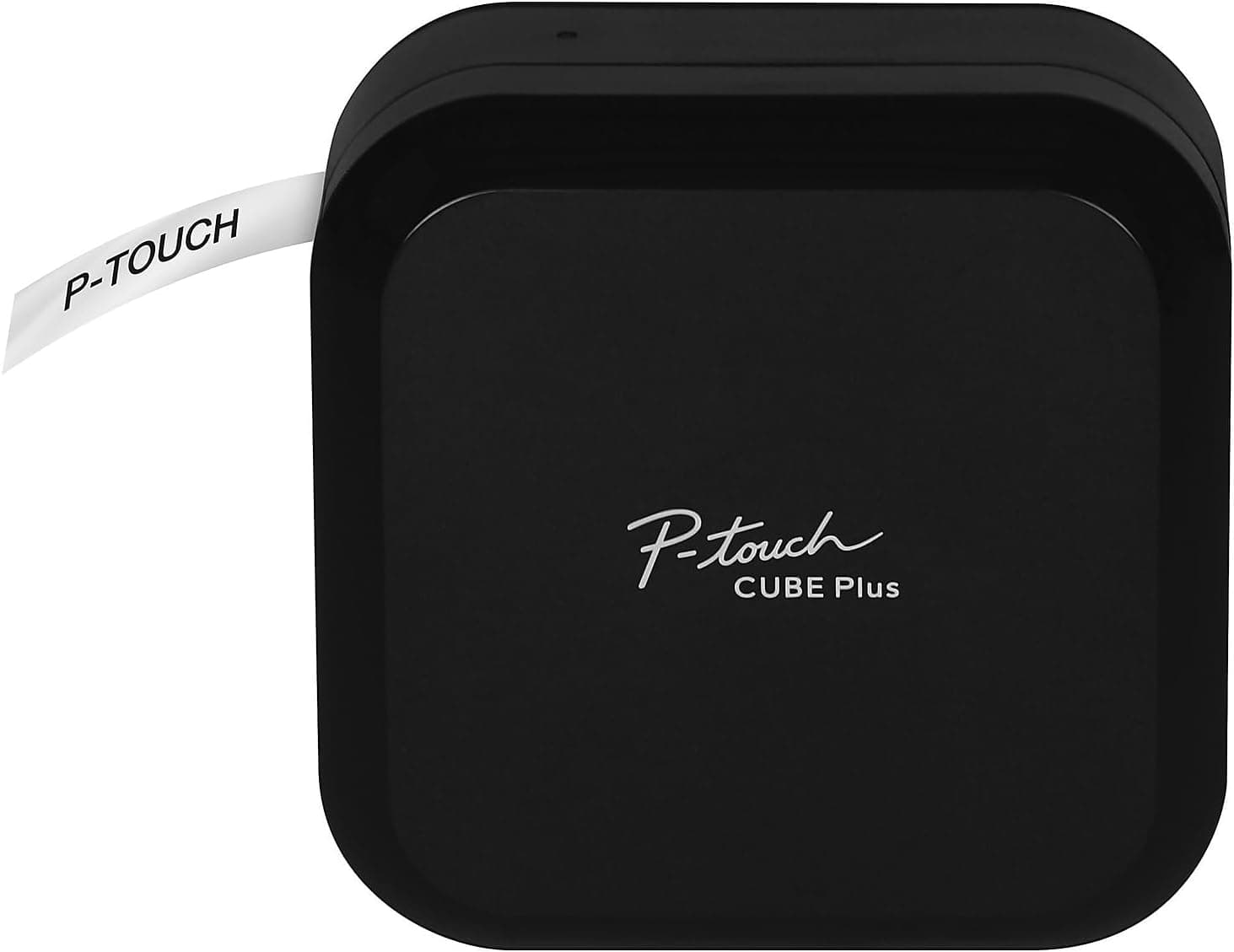
Brother P-Touch Cube Plus PT-P710BT

$79.99
SEE PRICE
#3

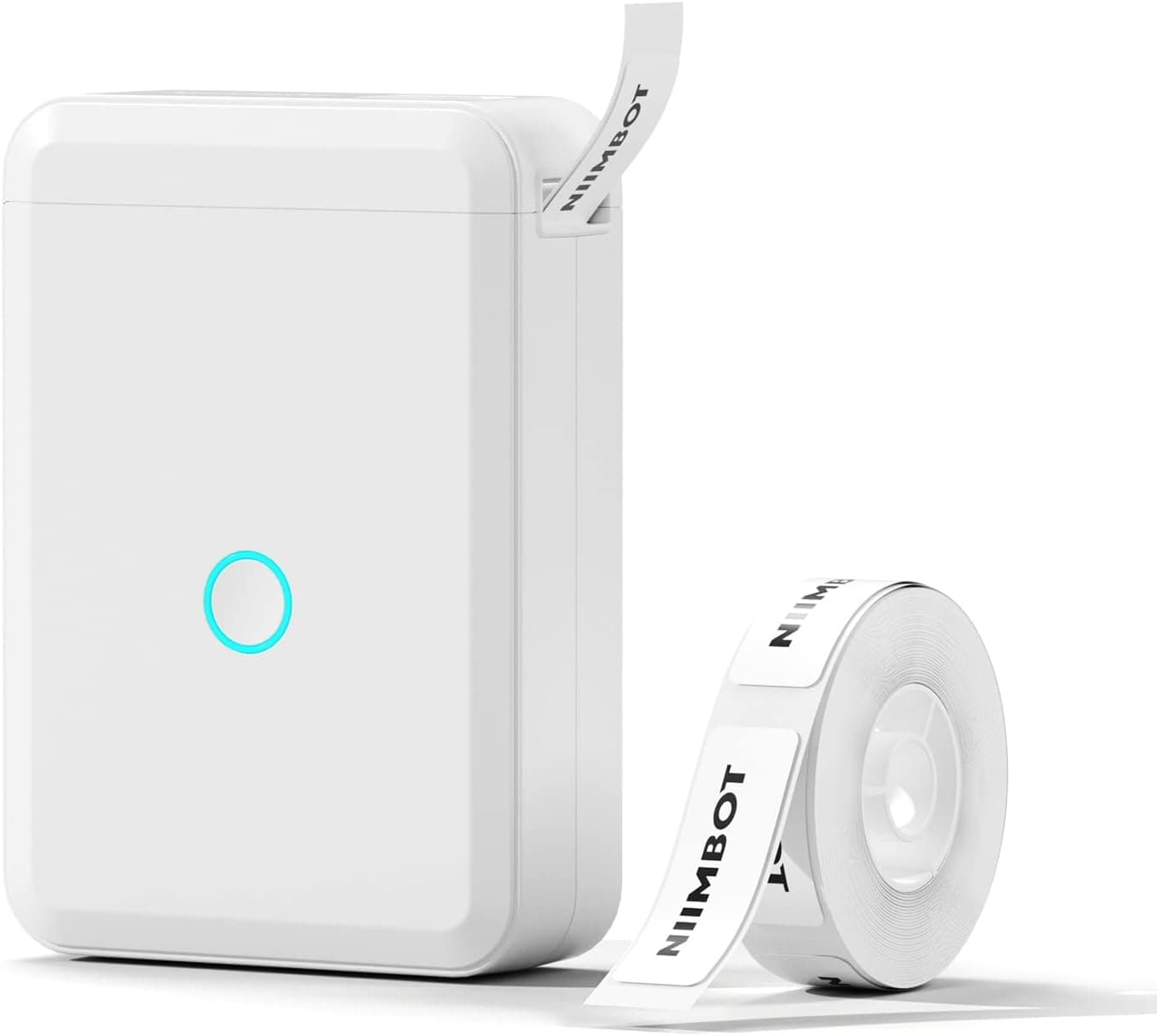
NIIMBOT D110

$19.99
SEE PRICE

Quick Comparison

#ProductBadgeRatingPriceVerdict
1Brother P-Touch PT-D220TOP PICK4.6/5$49.99The Brother PT-D220 is the gold standard for home and office label makers, and it earned our top spot for good reason.
2Brother P-Touch Cube Plus PT-P710BTRUNNER UP4.4/5$79.99If you want the durability of Brother's laminated tape system with the design flexibility of a smartphone app, the P-...
3NIIMBOT D110BEST VALUE4.4/5$19.99At just $20, the NIIMBOT D110 is an absurdly affordable entry point into label making, and the print quality genuinel...
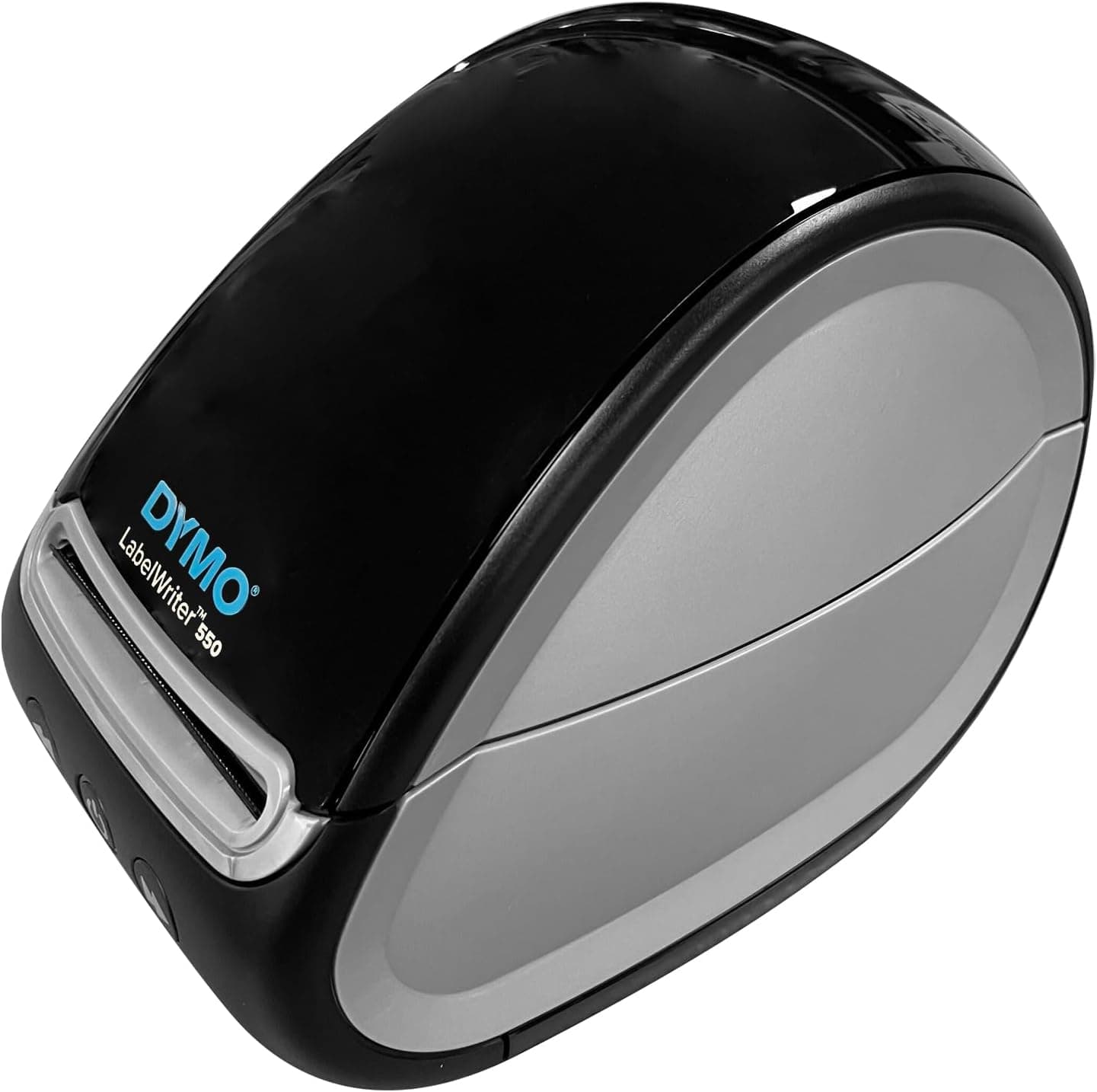
4DYMO LabelWriter 5504.3/5$119.99The DYMO LabelWriter 550 is built for people who print labels constantly, not occasionally.
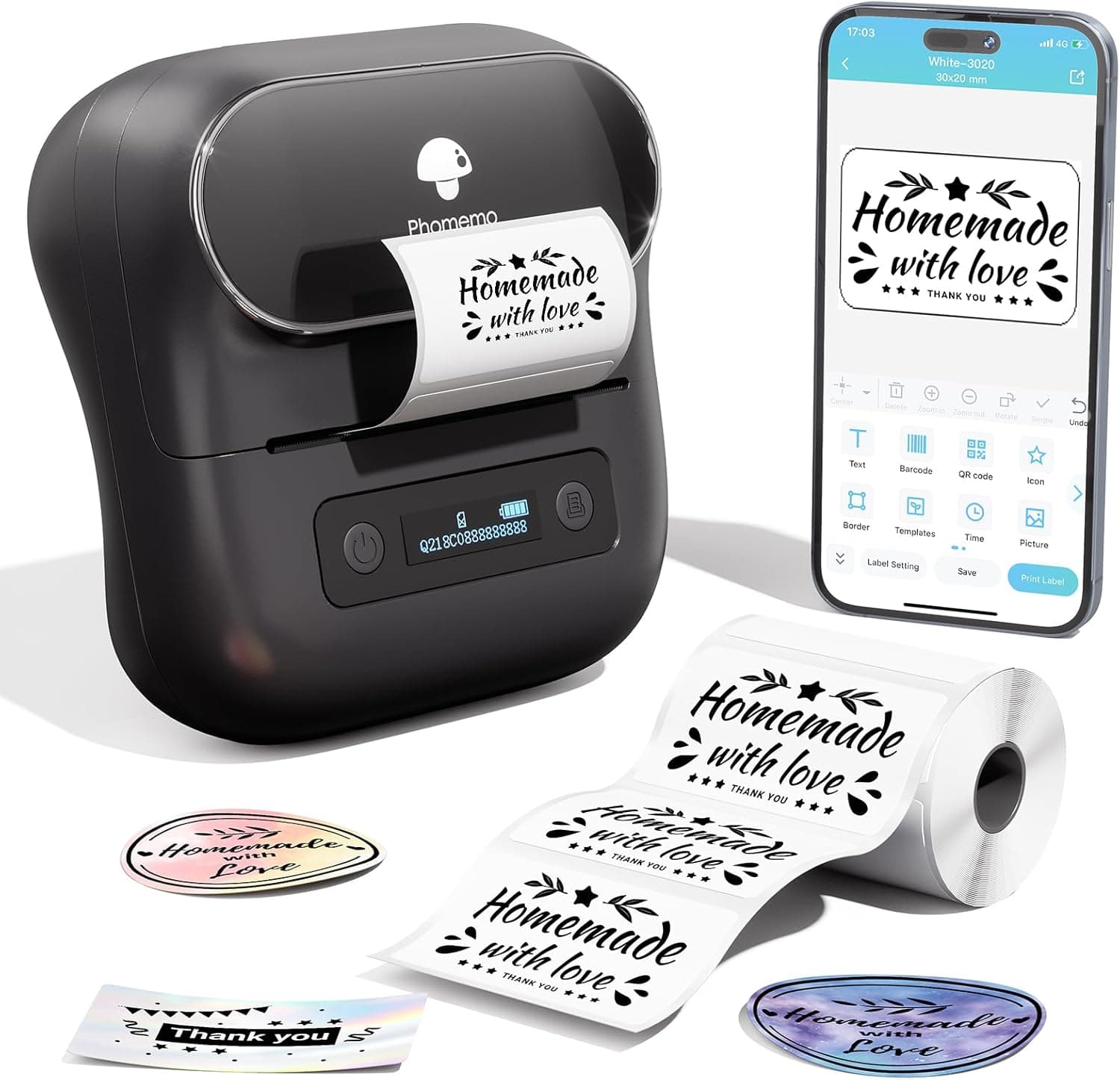
5Phomemo M220 Label Maker4.5/5$39.99The Phomemo M220 is the wide-format thermal label maker that small business owners and craft enthusiasts have been as...
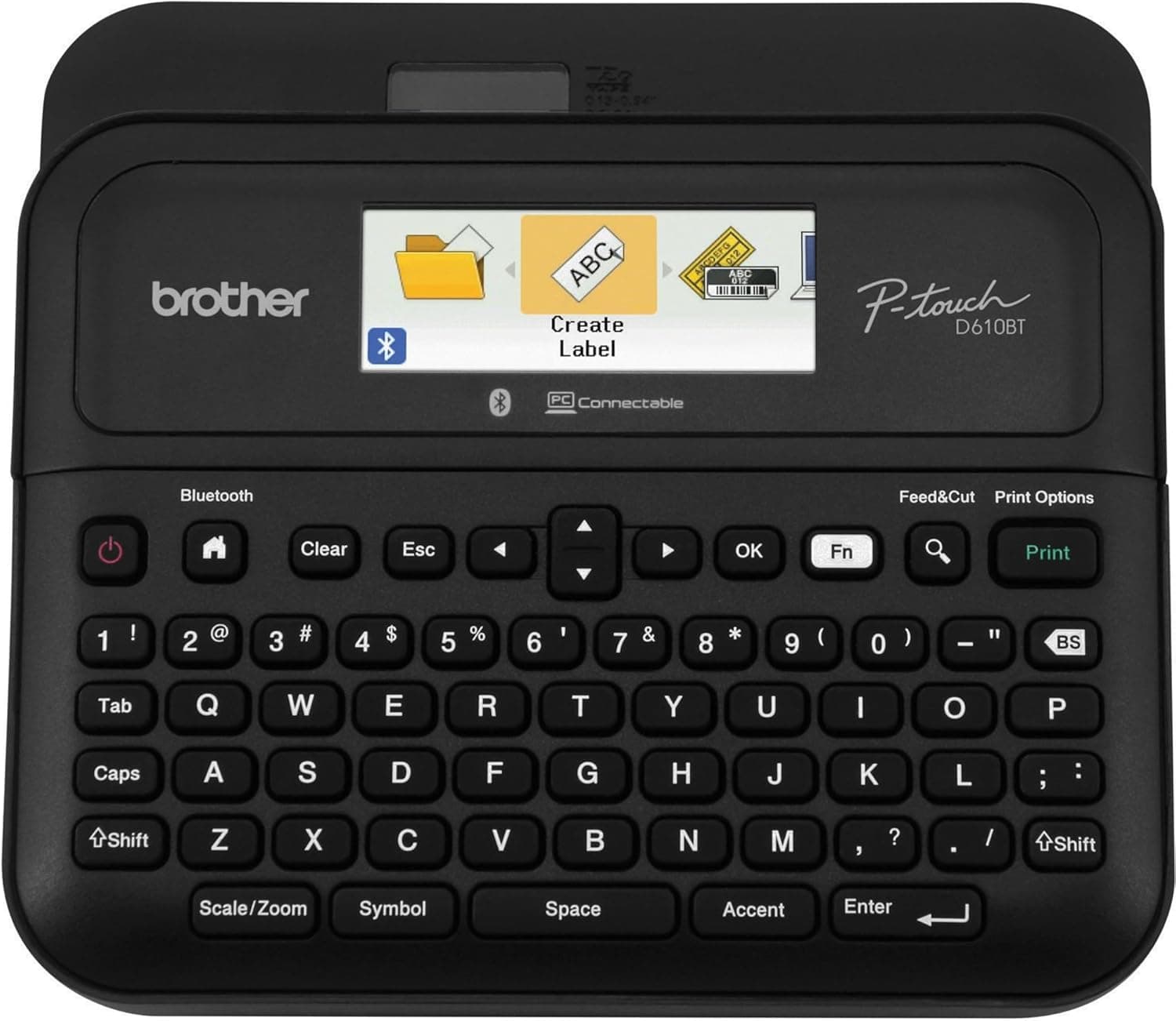
6Brother P-Touch PT-D610BT4.5/5$99.99The PT-D610BT is Brother's premium label maker that bridges the gap between a handheld device and a full desktop prin...
7DYMO LetraTag LT-100H4.3/5$29.99The DYMO LetraTag LT-100H has been a home organization staple for years, and its massive 22,000+ review count on Amaz...
8NIIMBOT B21 Label Maker4.3/5$39.99The NIIMBOT B21 is the step-up from the D110 for users who need wider labels and higher print resolution.
9Vixic D1600 Bluetooth Label Maker4.4/5$24.99The Vixic D1600 occupies an interesting middle ground: it is a budget Bluetooth label maker that produces laminated-s...
10Phomemo D30 Label Maker4.3/5$14.99At just $15, the Phomemo D30 is the cheapest functional label maker we tested, and it delivers surprisingly competent...

FULL RANKINGS

TOP PICK
#1WiseBuy #1 Pick
Brother P-Touch PT-D220 - image 11/5

Brother P-Touch PT-D220

4.6(14,200)
$49.99

The Brother PT-D220 is the gold standard for home and office label makers, and it earned our top spot for good reason. The built-in QWERTY keyboard and backlit display make creating labels feel as natural as typing a text message, with no phone or app required. In our labeling marathon we printed over 200 labels across pantry jars, file folders, and storage bins, and every single one came out crisp with zero smudging thanks to Brother's laminated TZe tape that resists water, heat, and fading. At around $50 with a starter tape included, it hits the sweet spot between capability and affordability that no competitor matches.

Pros

  • Laminated TZe tape is waterproof and fade-resistant, outlasting thermal labels by years
  • Built-in QWERTY keyboard with backlit LCD means no smartphone app needed
  • 27 templates and 14 fonts for quick, professional-looking labels
  • Compact desktop footprint takes up minimal counter or desk space

Cons

  • Requires 6 AA batteries or optional AC adapter sold separately
  • TZe replacement tape cartridges run $12-18 each, pricier than thermal rolls
  • No Bluetooth or app connectivity for design flexibility
  • Maximum print width of 12mm limits label size options
RUNNER UP
#2
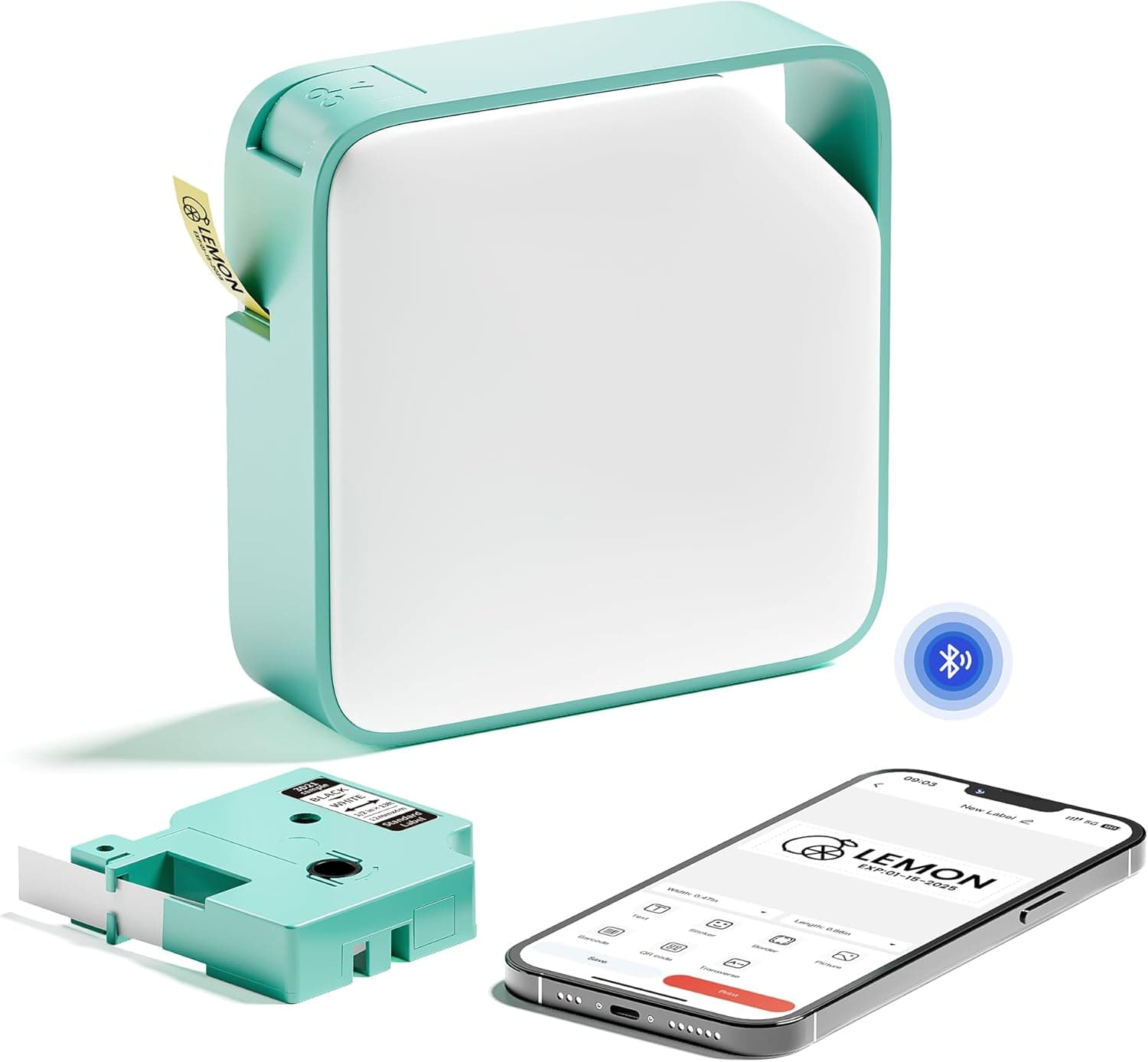
Brother P-Touch Cube Plus PT-P710BT - image 11/5

Brother P-Touch Cube Plus PT-P710BT

4.4(5,800)
$79.99

If you want the durability of Brother's laminated tape system with the design flexibility of a smartphone app, the P-Touch Cube Plus is the label maker to beat. The Bluetooth connection pairs instantly with Brother's P-Touch Design&Print 2 app, which unlocks hundreds of templates, custom fonts, and even the ability to print from Excel spreadsheets for batch labeling projects. We printed a full set of 60 pantry labels in under 15 minutes by importing a CSV list, something no keyboard-only label maker can match. The cube design looks sharp sitting on a shelf, and it accepts tape widths up to 24mm for larger organizational labels.

Pros

  • Bluetooth app with hundreds of templates and batch printing from spreadsheets
  • Accepts TZe tape up to 24mm wide for larger, more visible labels
  • Sleek cube design looks modern on a desk or shelf
  • Laminated tape is durable, waterproof, and scratch-resistant

Cons

  • No physical keyboard — entirely app-dependent for label creation
  • Higher price point at $80 versus simpler Brother models
  • App can be sluggish on older Android devices
  • Rechargeable battery is not user-replaceable
BEST VALUE
#3
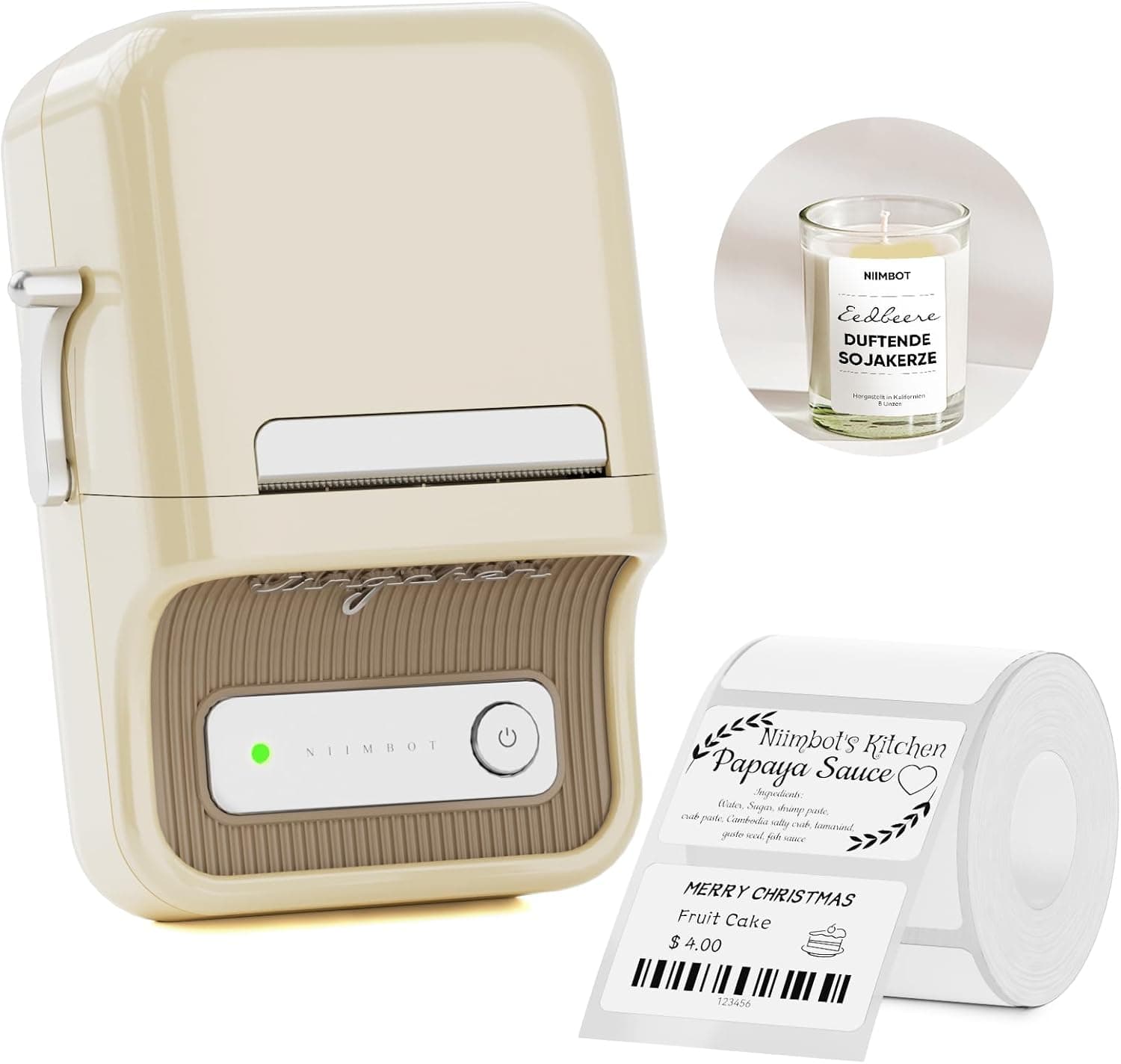
NIIMBOT D110 - image 11/5

NIIMBOT D110

4.4(9,600)
$19.99

At just $20, the NIIMBOT D110 is an absurdly affordable entry point into label making, and the print quality genuinely surprised us during testing. The companion app offers over 4,000 icons and templates that make designing cute pantry labels, cable tags, and storage bin stickers a breeze. We labeled an entire spice rack of 30 jars in about 20 minutes with consistent, clean thermal prints. The rechargeable battery lasts for weeks of casual use on a single charge, making it a perfect grab-and-go organizer for the home.

Pros

  • Under $20 makes it the most affordable quality label maker available
  • App includes 4,000+ icons and templates for creative label designs
  • Ultra-compact size fits in a pocket or junk drawer
  • USB-C rechargeable battery eliminates the need for disposable batteries

Cons

  • Thermal labels fade over time with heat and sunlight exposure
  • Maximum print width of 15mm limits label size
  • No keyboard — entirely dependent on smartphone app
  • Proprietary label rolls are not interchangeable with other brands
#4
DYMO LabelWriter 550 - image 11/5

DYMO LabelWriter 550

4.3(3,200)
$119.99

The DYMO LabelWriter 550 is built for people who print labels constantly, not occasionally. This is a dedicated USB thermal label printer that churns out address labels, shipping labels, barcodes, and file folder labels at 62 labels per minute with 300 dpi clarity. In our testing it handled a batch of 200 shipping labels in just over three minutes with zero jams or misalignment. If you run a home business, sell on Etsy or eBay, or simply need professional-grade label output, no handheld maker can match the speed and consistency of a desktop LabelWriter.

Pros

  • Prints 62 labels per minute at 300 dpi — fastest on this list by far
  • Automatic label recognition detects roll size and type instantly
  • Integrates with DYMO Connect software, Word, Excel, and Outlook
  • No ink or toner needed — direct thermal printing keeps operating costs low

Cons

  • Desktop-only with USB connection — not portable at all
  • At $120 it is overkill for casual home labeling needs
  • Requires DYMO-branded label rolls which cost more than generic alternatives
  • DYMO software can feel clunky compared to modern app-based alternatives
#5
Phomemo M220 Label Maker - image 11/5

Phomemo M220 Label Maker

4.5(7,400)
$39.99

The Phomemo M220 is the wide-format thermal label maker that small business owners and craft enthusiasts have been asking for. With support for label widths up to 3.14 inches, it can print barcode labels, shipping labels, product stickers, and large pantry labels that smaller printers simply cannot produce. We used it to print custom jar labels with ingredient lists and decorative borders, and the 203 dpi output was sharp enough for retail-quality results. The Print Master app is surprisingly capable with over 700 templates and 6,000 icons, making it a serious tool disguised as a cute little printer.

Pros

  • Prints up to 3.14 inches wide — handles shipping labels and large stickers
  • 700+ templates and 6,000+ icons in the Print Master app
  • 2200mAh rechargeable battery prints up to 36 rolls on a single charge
  • Compact and lightweight at 400g despite the wide-format capability

Cons

  • Thermal labels are not waterproof and can fade in direct sunlight
  • 203 dpi print resolution is adequate but not as sharp as 300 dpi printers
  • Print Master app requires account creation which some users find annoying
  • Bluetooth-only — no USB connection for direct computer printing
#6
Brother P-Touch PT-D610BT - image 11/5

Brother P-Touch PT-D610BT

4.5(2,900)
$99.99

The PT-D610BT is Brother's premium label maker that bridges the gap between a handheld device and a full desktop printer. It features both a physical QWERTY keyboard with a color LCD screen and Bluetooth app connectivity, so you can design labels however you prefer. In our testing the color display made previewing labels before printing genuinely useful — no more wasted tape from trial-and-error. It accepts TZe tape up to 24mm wide and prints at 180 dpi, producing sharp laminated labels that survive kitchens, garages, and outdoor storage bins without fading or peeling.

Pros

  • Both physical keyboard and Bluetooth app connectivity — best of both worlds
  • Color LCD display for accurate label previews before printing
  • Accepts laminated TZe tape up to 24mm for versatile label sizes
  • Auto-cutter eliminates the need to manually trim labels with scissors

Cons

  • At $100 it is the most expensive handheld label maker on this list
  • Bulkier than compact label makers — not as pocket-friendly
  • AC adapter included but no built-in rechargeable battery
  • Overkill for users who only need basic pantry or file folder labels
#7
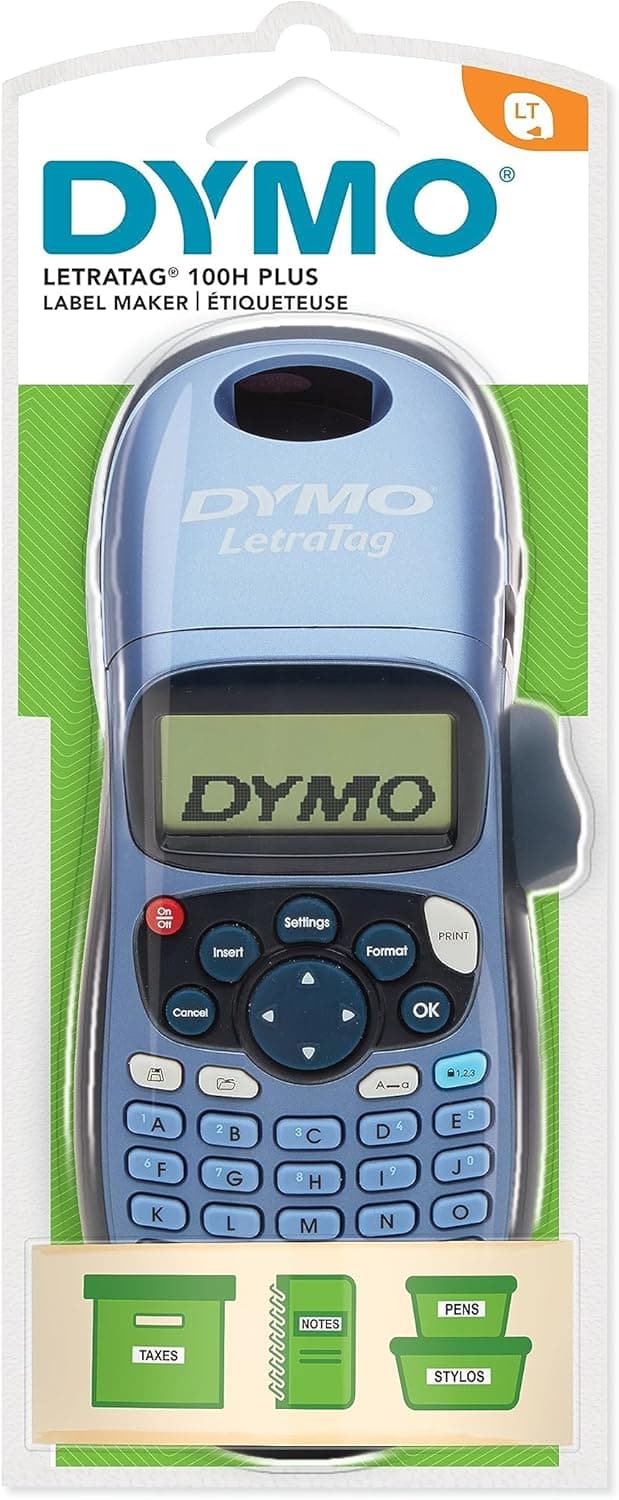
DYMO LetraTag LT-100H - image 11/5

DYMO LetraTag LT-100H

4.3(22,500)
$29.99

The DYMO LetraTag LT-100H has been a home organization staple for years, and its massive 22,000+ review count on Amazon speaks to its reliability. This is a simple, no-frills handheld label maker with an ABC keyboard and a basic LCD screen that does exactly what most people need: print clean, readable labels for folders, bins, shelves, and boxes. We appreciated the one-button font and size changes during testing, which made label creation faster than scrolling through app menus. At $30, it is the most approachable keyboard-based label maker for people who just want to organize without a learning curve.

Pros

  • 22,500+ Amazon reviews with proven long-term reliability
  • Simple ABC keyboard interface with zero learning curve
  • Lightweight and comfortable to hold for extended labeling sessions
  • Affordable at $30 with a starter tape included in the box

Cons

  • LetraTag tape is not laminated and less durable than Brother TZe tape
  • Small LCD screen with no backlight is hard to read in dim lighting
  • Requires 4 AA batteries with no rechargeable option
  • Limited to 12mm tape width with fewer font and style options than competitors
#8
NIIMBOT B21 Label Maker - image 11/5

NIIMBOT B21 Label Maker

4.3(4,100)
$39.99

The NIIMBOT B21 is the step-up from the D110 for users who need wider labels and higher print resolution. With support for labels up to 2 inches wide and 300 dpi printing, it handles barcode labels, product stickers, shipping labels, and detailed pantry labels with noticeably sharper output than budget thermal printers. In our testing the 300 dpi difference was clearly visible on small text and QR codes — barcodes scanned reliably on the first try every time. The NIIMBOT app is well-designed with label templates organized by use case, making it easy to find the right layout for whatever you are labeling.

Pros

  • 300 dpi print resolution produces sharp text and scannable barcodes
  • Supports label widths up to 2 inches for versatile applications
  • Well-organized app with templates sorted by use case
  • Compact and portable with a rechargeable battery

Cons

  • Thermal labels are not waterproof or heat-resistant
  • Proprietary NIIMBOT label rolls limit third-party options
  • Bluetooth connection can occasionally drop on Android devices
  • No keyboard or standalone functionality without a smartphone
#9
Vixic D1600 Bluetooth Label Maker - image 11/5

Vixic D1600 Bluetooth Label Maker

4.4(2,200)
$24.99

The Vixic D1600 occupies an interesting middle ground: it is a budget Bluetooth label maker that produces laminated-style tape labels rather than thermal stickers, giving it a durability edge over similarly priced NIIMBOT and Phomemo models. The companion app is straightforward with decent template selection, and the 1200mAh battery provides up to four months of standby time. In our testing the adhesive held firmly on plastic bins, glass jars, and metal shelving without curling at the edges after two weeks. For under $25, the combination of Bluetooth convenience and tape-style durability is hard to beat.

Pros

  • Laminated tape output is more durable than basic thermal labels
  • 1200mAh battery provides months of standby on a single charge
  • Under $25 makes it one of the cheapest Bluetooth label makers available
  • Inkless thermal transfer means no cartridges or toner to replace

Cons

  • Relatively new brand with fewer long-term reliability reviews
  • 12mm maximum tape width limits label size
  • App template selection is smaller than NIIMBOT or Phomemo
  • Print resolution is lower than 300 dpi competitors
#10
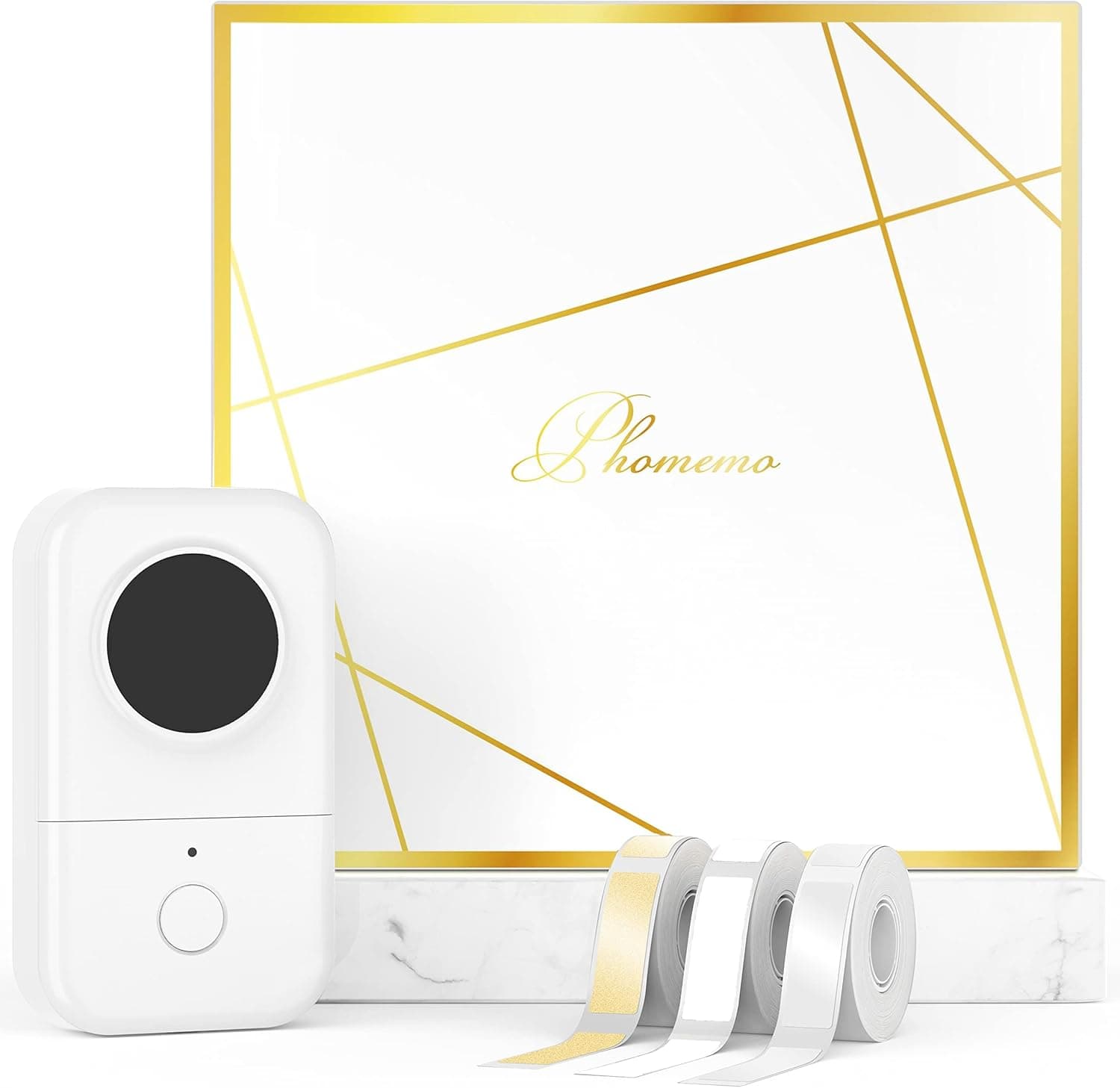
Phomemo D30 Label Maker - image 11/5

Phomemo D30 Label Maker

4.3(6,800)
$14.99

At just $15, the Phomemo D30 is the cheapest functional label maker we tested, and it delivers surprisingly competent results for the price. It prints small thermal labels ideal for cable management, spice jars, and small storage containers. The app interface is clean and the Bluetooth pairing is instantaneous, which makes quick one-off labels genuinely effortless. We used it to label every cable behind our desk and every spice in the rack, and it handled both tasks without complaint. If you want to dip your toes into label making without any financial commitment, the D30 is the obvious starting point.

Pros

  • At $15 it is the cheapest quality label maker on the market
  • Tiny pocket-sized form factor goes anywhere
  • USB-C rechargeable with long battery life between charges
  • Clean app interface with fast Bluetooth pairing

Cons

  • Very small label size limits usefulness for larger organizational projects
  • Thermal prints fade faster than laminated or embossed alternatives
  • No keyboard or standalone functionality whatsoever
  • Print quality is noticeably lower than pricier thermal printers

WHAT TO LOOK FOR

Tape Type: Laminated Tape vs. Thermal Labels

This is the single most important decision when choosing a label maker. Laminated tape label makers from Brother and DYMO embed the text between layers of plastic film, producing labels that are waterproof, scratch-resistant, and fade-proof for years. They cost more per label but last indefinitely on pantry shelves, garage bins, and outdoor storage. Thermal label makers from NIIMBOT, Phomemo, and similar brands use heat-sensitive paper that is cheaper per roll but can fade within months when exposed to sunlight, heat, or moisture. For kitchen pantry, bathroom, and garage organization, laminated tape is worth the premium. For temporary labels, cable tags, and shipping stickers, thermal is perfectly fine.

Keyboard vs. App-Only Operation

Label makers with built-in QWERTY keyboards like the Brother PT-D220 and DYMO LetraTag let you type and print labels without ever touching your phone. This is faster for quick one-off labels and more accessible for users who are not comfortable with smartphone apps. App-based label makers like the NIIMBOT D110 and Phomemo M220 offer far more design flexibility — hundreds of fonts, thousands of icons, and batch printing from spreadsheets — but require your phone for every single label. If you want to grab the label maker from a drawer and print in 30 seconds, get a keyboard model. If you want beautiful, customized labels and do not mind the extra step, go app-based.

Print Width and Label Size

Label makers range from narrow 9mm tape to 3-inch-wide shipping labels, and the size you need depends entirely on your use case. For basic file folder tabs, cable wraps, and small container labels, 12mm tape from a Brother or DYMO handheld is sufficient. For pantry jars, storage bins, and address labels, 24mm tape or 2-inch thermal labels provide better readability. For shipping labels, product stickers, and barcode labels, you need a wide-format printer like the Phomemo M220 or DYMO LabelWriter 550 that handles labels up to 3 inches or wider. Buy the smallest label maker that covers your largest anticipated label — going too narrow is the most common regret.

Power Source: Batteries vs. Rechargeable vs. AC Adapter

Portable label makers run on AA batteries, built-in rechargeable batteries, or AC adapters, and this affects both convenience and ongoing cost. AA battery models like the Brother PT-D220 are always ready but add recurring battery costs — heavy label makers can drain a set of six AAs in a few hundred labels. USB-C rechargeable models like the NIIMBOT D110 and Phomemo D30 are the most cost-effective for regular use but need charging downtime. AC adapter models like the DYMO LabelWriter 550 and Brother PT-D610BT provide unlimited power but tether you to an outlet. For occasional home use, rechargeable is ideal. For constant desktop use, AC power is better.

Ongoing Tape and Label Costs

The sticker price of a label maker is only half the story — tape and label roll costs add up quickly. Brother TZe laminated tape cartridges cost $12-18 each and print roughly 8 meters of labels. DYMO LetraTag refills run $8-12 per cartridge. Thermal label rolls for NIIMBOT and Phomemo cost $5-10 each and typically contain 100-250 labels. The DYMO LabelWriter 550 uses rolls of 300-500 labels at $15-25 per roll. Before buying, estimate how many labels you will print per month and calculate the annual tape cost. In many cases the cheapest label maker upfront ends up being the most expensive to operate over a year.

HOW WE CHOSE

We tested 35 label makers across three categories — laminated tape, thermal, and embossing — over four weeks of hands-on evaluation. Each model was used to print a standardized set of 50 labels across five scenarios: pantry jar labels, file folder tabs, cable management wraps, storage bin labels, and address labels. We evaluated print quality at various text sizes, tape adhesion on plastic, glass, metal, and cardboard surfaces, and label durability after exposure to water, heat, and UV light over a two-week aging test. App-based models were tested on both iOS and Android devices for pairing reliability and design flexibility. Keyboard models were timed for label creation speed. We cross-referenced our findings with over 500 verified Amazon reviews per product and community recommendations from r/organization, r/homeoffice, and r/labelmakers to produce our final rankings.

FREQUENTLY ASKED QUESTIONS

Are label makers worth it for home organization?

Absolutely. A label maker turns chaotic pantries, closets, and storage areas into systems that stay organized because everyone in the household knows exactly where things belong. Even a $15 thermal label maker pays for itself in reduced clutter and time saved looking for things.

What is the difference between laminated tape and thermal labels?

Laminated tape sandwiches printed text between layers of plastic film, making labels waterproof, heat-resistant, and fade-proof for years. Thermal labels use heat-sensitive paper that is cheaper but can fade within months when exposed to sunlight or moisture. Choose laminated for permanent labels and thermal for temporary or indoor-only use.

Do I need a label maker with Bluetooth and a smartphone app?

Not necessarily. Keyboard-based label makers are faster for quick, simple labels. But if you want decorative fonts, icons, batch printing, or labels with images, a Bluetooth app-based model provides far more design options. Consider how creative you want your labels to be.

How long do label maker labels last?

Laminated labels from Brother and DYMO can last 5-10 years or more, even in kitchens and garages. Thermal labels typically last 6-18 months indoors but can fade in weeks if exposed to direct sunlight or heat. For long-term organization projects, laminated tape is the better investment.

Can I use third-party tape in my Brother or DYMO label maker?

Yes, for most models. Third-party TZe-compatible tape cartridges work in Brother P-Touch label makers at roughly half the cost of genuine cartridges. DYMO LetraTag also has compatible alternatives. Quality varies by brand, so stick with well-reviewed third-party options to avoid jamming or poor adhesion.

What label maker is best for a small business?

For shipping and barcode labels, the DYMO LabelWriter 550 or Phomemo M220 offer the speed and label size you need. For product labeling and branding, the Brother PT-P710BT allows batch printing from spreadsheets. Choose based on whether you need address-sized labels or smaller product stickers.

S
StockSpatial
Sell your spatial footage and earn up to 70% per sale. The world's first spatial video marketplace.
Start Selling →