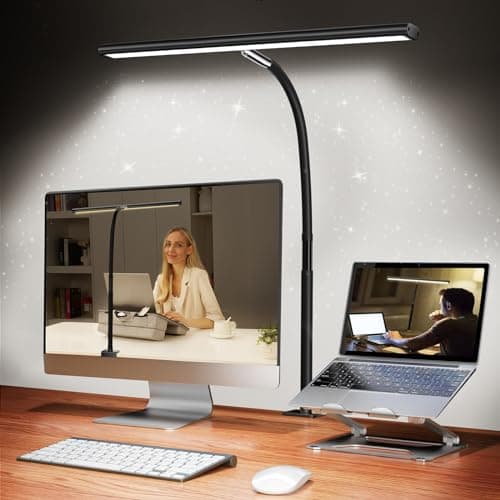
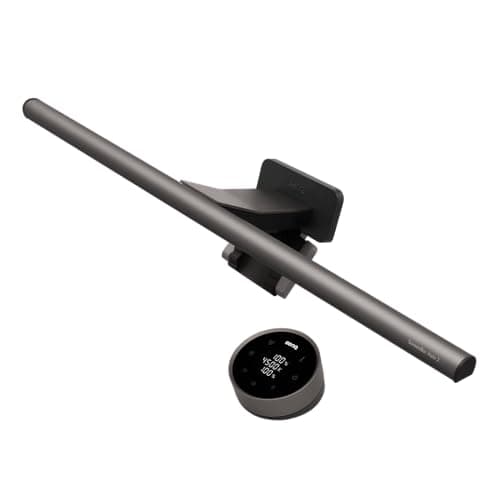
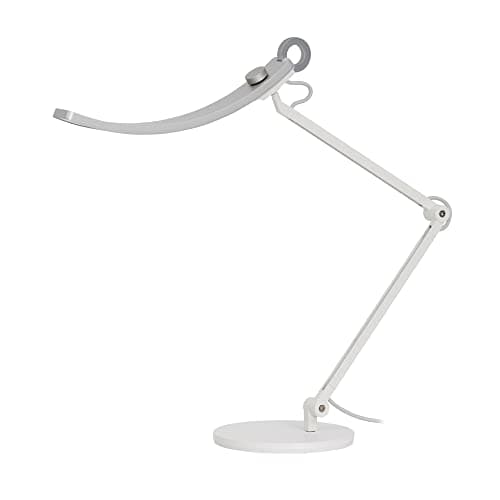
A monitor light bar clips to the top of your display and uses asymmetrical optics to direct light downward onto your desk without reflecting on the screen, eliminating the glare that traditional desk lamps create. A standard desk lamp provides more versatile positioning and works for any surface, but placed beside a monitor it almost always creates visible reflections that strain your eyes over time. If you work primarily at a computer monitor, a light bar is the better choice for eye comfort; if you need lighting for a broader range of tasks including reading physical materials, writing, or crafting, a traditional adjustable desk lamp gives you more flexibility.
For daytime computer work, a neutral white in the 4000K to 5000K range closely mimics natural daylight and promotes focus without creating harsh contrast against your monitor. In the evening, shifting to a warmer 2700K to 3500K tone reduces blue light exposure, which supports natural melatonin production and makes late-night work less disruptive to sleep. Lamps with auto color temperature adjustment — like the Dyson Solarcycle Morph or BenQ models with auto-dimming — handle this shift passively, which is worth the premium if you work past sunset regularly.
For focused task work like reading, writing, or detailed crafting, aim for a lamp that produces at least 450 to 800 lumens at the work surface, which typically translates to 300 to 500 lux of illuminance at standard desk distance. For general ambient desk lighting or computer use alongside a bright monitor, 250 to 400 lumens is usually sufficient. Avoid overlighting your desk for computer work — a very bright lamp beside a moderately bright screen creates the same contrast fatigue as a very bright screen in a dark room.
Yes, in every measurable way for desk use. LED desk lamps run 80 to 90 percent more efficiently than incandescent, produce virtually no heat at the head, last 25,000 to 50,000 hours compared to 1,000 to 2,000 hours for incandescent, and provide instant full-brightness output without warm-up time. Modern LEDs also offer adjustable color temperature, something incandescent cannot do without expensive specialty bulbs. The only remaining reason to choose an incandescent-compatible desk lamp is aesthetic preference for the warm filament glow of a vintage-style Edison bulb.
CRI stands for Color Rendering Index and measures how accurately a light source renders the true colors of objects compared to natural sunlight, on a scale of 0 to 100. For most everyday desk work and reading, a CRI of 80 or higher is adequate. For color-critical work — photo editing, graphic design, painting, makeup, crafting with dyed materials — you want a CRI of 90 or higher. The BenQ e-Reading Desk Lamp and BenQ Genie both achieve CRI over 95, making them appropriate for professional creative use where color accuracy matters.
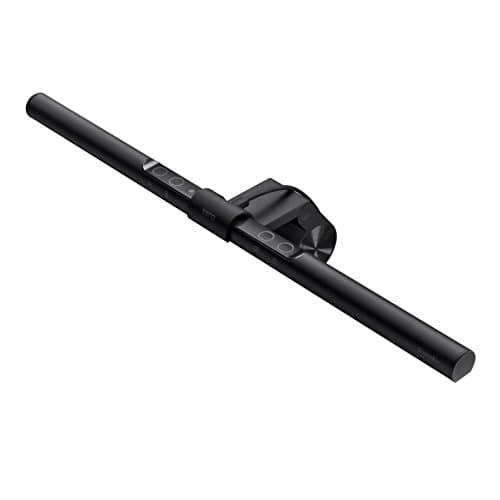
Yes, if the lamp has a standard E26 or E27 screw-base socket rather than integrated LEDs. The LEPOWER Metal Desk Lamp on this list uses a standard E26 socket, meaning you can install any smart bulb — such as a Philips Hue, LIFX, or Govee smart bulb — and gain full app control, voice assistant integration via Alexa or Google Home, and scheduled lighting scenes. Integrated LED lamps like the BenQ ScreenBar or Lepro cannot use smart bulbs, though some models have their own app connectivity built in.

 1/5
1/5