TECH TECH & GADGETS

10 Best Smart Notebooks in 2026

The best smart notebook in 2026 is the Rocketbook Core Reusable Smart Notebook. We tested and compared the top smart notebooks and digital writing tablets of 2026, from erasable cloud-connected notebooks to premium e-ink tablets and reusable whiteboard pads. These 10 smart notebooks bridge the gap between analog writing and digital organization.

By WiseBuyAIUpdated March 21, 202610 Products Reviewed

OUR #1 PICK

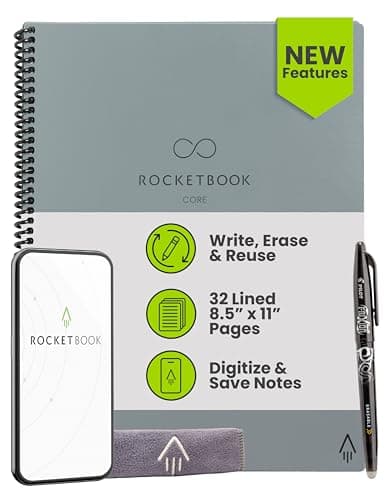
Rocketbook Core Reusable Smart Notebook

The Rocketbook Core remains the gold standard for smart notebooks, delivering a seamless blend of traditional pen-on-paper writing with instant cloud connectivity.

OUR TOP PICKS

#1

Rocketbook Core Reusable Smart Notebook

$25.49
SEE PRICE
#2

reMarkable 2 Paper Tablet Bundle

$378.00
SEE PRICE
#3

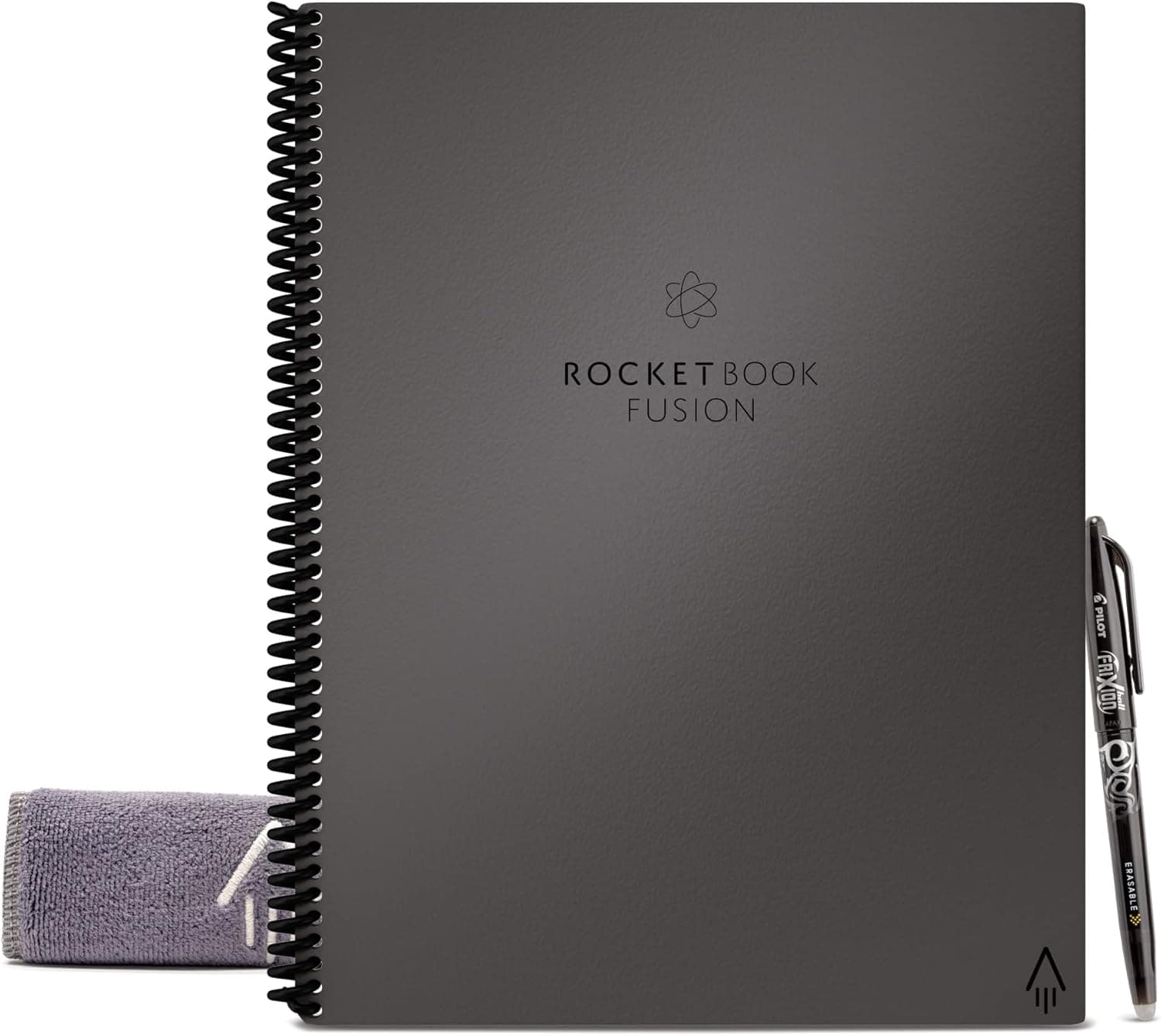
Rocketbook Fusion Smart Reusable Notebook

$28.99
SEE PRICE

Quick Comparison

#ProductBadgeRatingPriceVerdict
1Rocketbook Core Reusable Smart NotebookTOP PICK4.6/5$25.49The Rocketbook Core remains the gold standard for smart notebooks, delivering a seamless blend of traditional pen-on-...
2reMarkable 2 Paper Tablet BundleRUNNER UP4.5/5$378.00The reMarkable 2 is the premium choice for anyone who wants the closest possible experience to writing on real paper ...
3Rocketbook Fusion Smart Reusable NotebookBEST VALUE4.5/5$28.99The Rocketbook Fusion takes everything great about the Core and adds seven different page template types, making it t...
4Boogie Board Blackboard Smart Scan Reusable Notebook4.3/5$34.99The Boogie Board Blackboard takes a fundamentally different approach to smart notebooks by using pressure-sensitive L...
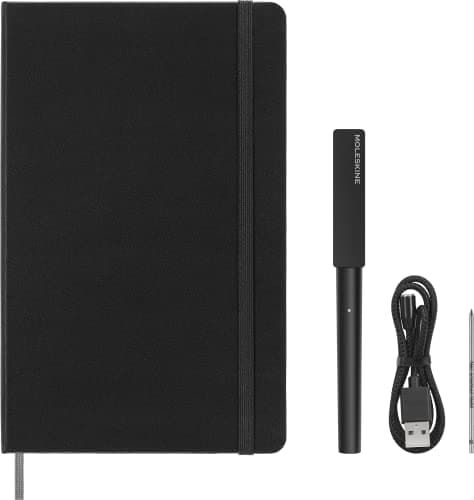
5Moleskine Smart Writing Set (2024 Edition)4.2/5$199.99The Moleskine Smart Writing Set is the luxury option for professionals who refuse to compromise on writing feel.
6Rocketbook Orbit Legal Pad4.4/5$35.00The Rocketbook Orbit brings the smart notebook experience to the familiar legal pad format that millions of professio...
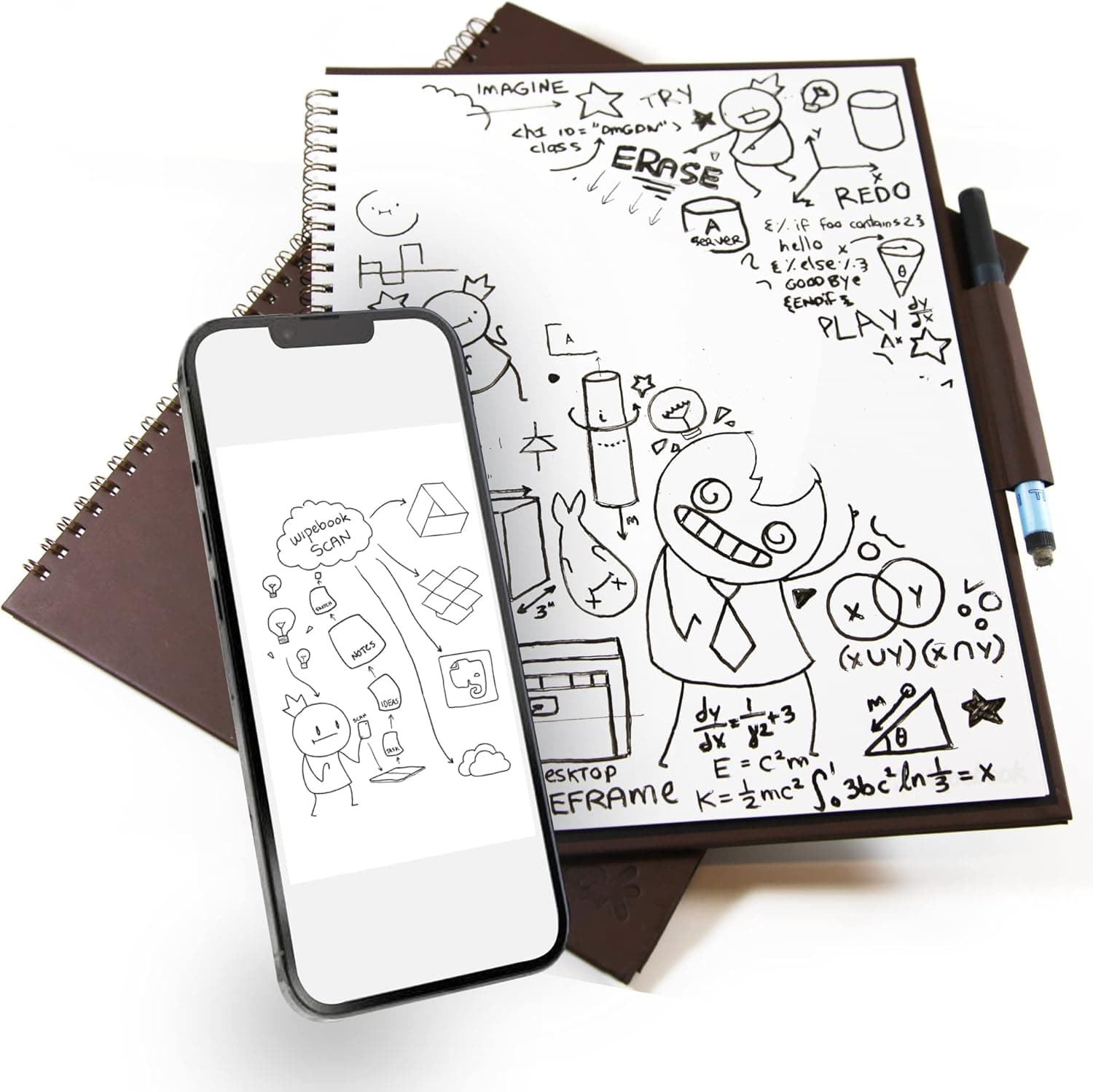
7WIPEBOOK Pro Smart Reusable Notebook4.3/5$24.99The WIPEBOOK Pro takes a whiteboard approach to the smart notebook, using dry-erase compatible pages that wipe clean ...
8Elfinbook Smart Reusable Notebook4.1/5$15.99The Elfinbook offers a budget-friendly entry into smart notebooks with its heat-erasable pages that can be cleared us...
9NEWYES Erasable Reusable Smart Notebook4/5$13.99The NEWYES smart notebook is the most affordable option on this list that still delivers genuine cloud connectivity t...
10Rocketbook Panda Planner Reusable Smart Pages4.4/5$37.00The Rocketbook Panda Planner is purpose-built for goal-oriented professionals who want their planning workflow to be ...

FULL RANKINGS

TOP PICK
#1WiseBuy #1 Pick
Rocketbook Core Reusable Smart Notebook - image 11/5

Rocketbook Core Reusable Smart Notebook

4.6(28,000)
$25.49

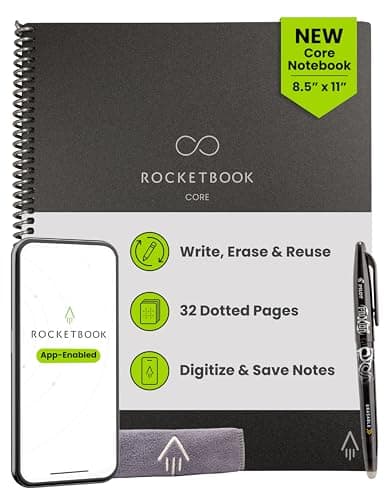
The Rocketbook Core remains the gold standard for smart notebooks, delivering a seamless blend of traditional pen-on-paper writing with instant cloud connectivity. Write with any Pilot FriXion pen, scan your pages using the free Rocketbook app, and blast notes directly to Google Drive, Dropbox, Evernote, or Slack in seconds. In our testing, the OCR handwriting recognition was the most accurate of any reusable notebook we tried, correctly parsing even sloppy cursive about 85 percent of the time. The included microfiber cloth wipes pages clean with a drop of water, giving you an endlessly reusable notebook that genuinely replaces dozens of disposable pads per year.

Pros

  • Seamless app integration sends scanned notes to seven major cloud services instantly
  • Pilot FriXion pen writes smoothly and erases cleanly with water and microfiber cloth
  • Smart icons at page bottom let you auto-route pages to specific folders or destinations
  • Extremely affordable entry point for smart notebook technology

Cons

  • Only works with Pilot FriXion pens which limits your pen choice
  • Pages need 15-20 seconds to fully dry after erasing before rewriting
  • 32 pages feels limiting for heavy note-takers who fill pages quickly
RUNNER UP
#2
reMarkable 2 Paper Tablet Bundle - image 11/5

reMarkable 2 Paper Tablet Bundle

4.5(4,200)
$378.00

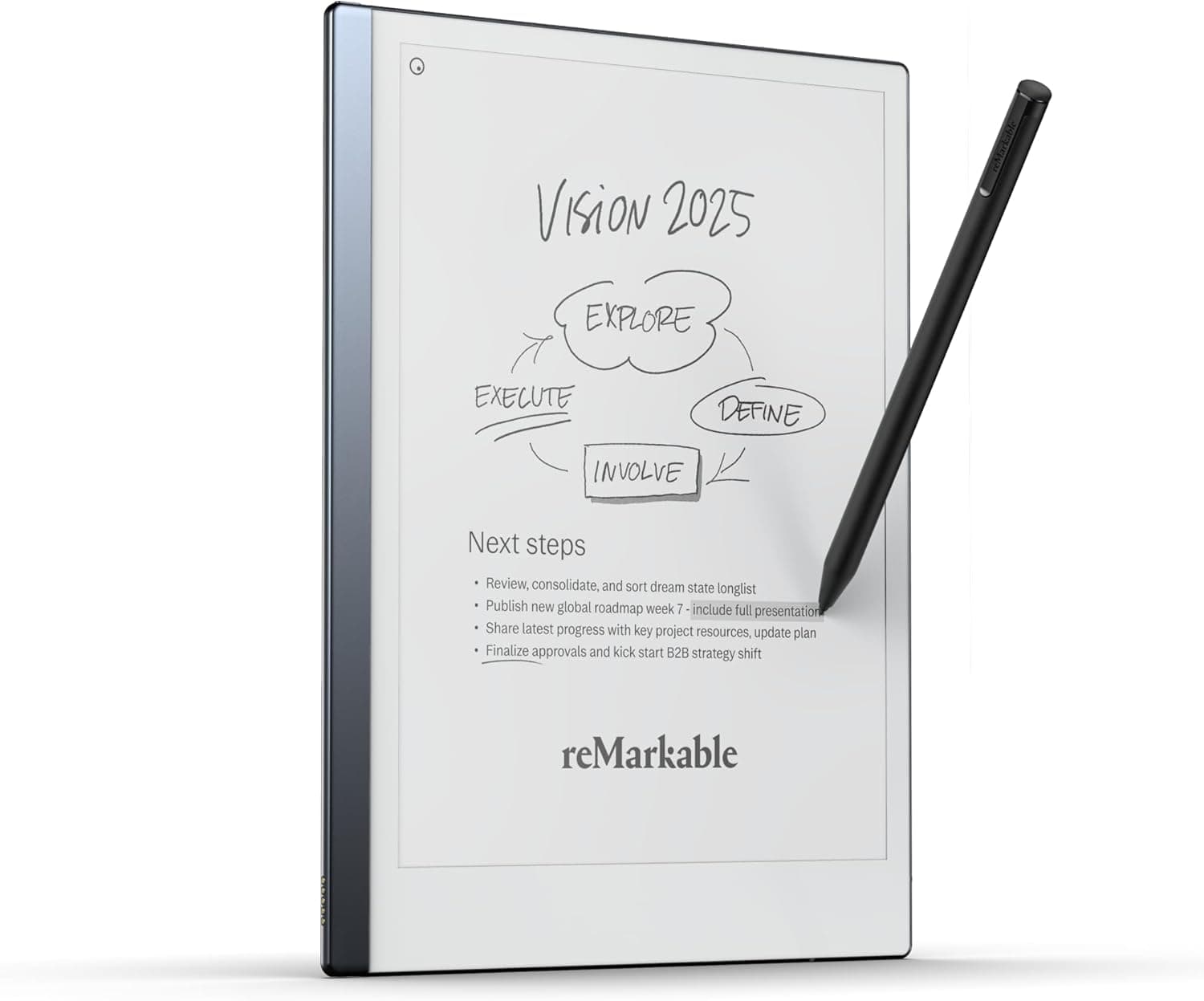
The reMarkable 2 is the premium choice for anyone who wants the closest possible experience to writing on real paper without using any paper at all. Its 10.3-inch e-ink display with CANVAS technology delivers virtually zero latency when writing, and the Marker Plus stylus has a textured tip that creates subtle friction against the screen to mimic the feel of graphite on paper. In our side-by-side testing against every other e-ink tablet, the reMarkable 2 had the most natural, paper-like writing feel by a significant margin. The tablet is impossibly thin at just 4.7mm and weighs less than most paper notebooks, making it genuinely easy to carry everywhere.

Pros

  • Industry-leading paper-like writing feel with virtually zero latency
  • Ultra-thin 4.7mm design weighs just 403g, lighter than most paper notebooks
  • Converts handwritten notes to typed text with impressive accuracy

Cons

  • Premium price point puts it well beyond most smart notebooks in this category
  • No backlight means you cannot use it comfortably in low-light environments
  • Monthly Connect subscription required for full cloud sync and sharing features
BEST VALUE
#3
Rocketbook Fusion Smart Reusable Notebook - image 11/5

Rocketbook Fusion Smart Reusable Notebook

4.5(15,000)
$28.99

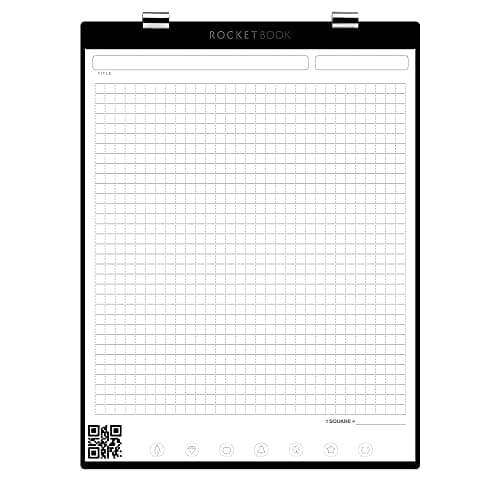
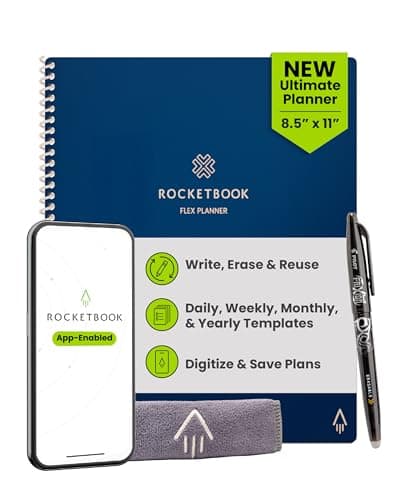
The Rocketbook Fusion takes everything great about the Core and adds seven different page template types, making it the most versatile reusable smart notebook for people who need more than just lined pages. You get lined, dot-grid, task list, weekly planner, monthly calendar, idea list, and goal-tracking pages all in one notebook. Each template scans beautifully through the Rocketbook app, and the smart routing icons work identically to the Core model. In our testing, we found the Fusion particularly valuable for professionals who want to consolidate their planner, notebook, and task list into a single erasable book.

Pros

  • Seven different page templates cover notes, planning, goal-setting, and task management
  • Same excellent app integration and cloud connectivity as the Rocketbook Core
  • Eliminates the need to carry separate notebooks, planners, and task lists

Cons

  • Only three pages per template type may not be enough for heavy users of any single format
  • Thicker than the Core due to additional page types which adds bulk
  • Same Pilot FriXion pen limitation as all Rocketbook products
#4
Boogie Board Blackboard Smart Scan Reusable Notebook - image 11/5

Boogie Board Blackboard Smart Scan Reusable Notebook

4.3(5,800)
$34.99

The Boogie Board Blackboard takes a fundamentally different approach to smart notebooks by using pressure-sensitive Liquid Crystal writing surfaces instead of erasable ink. You write with the included stylus and the surface captures every stroke with natural pressure sensitivity, then scan your notes using the free Blackboard app. The instant erase button clears the entire page in one press, which is dramatically faster than wiping down Frixion ink. In our hands-on testing, we appreciated the zero-dry-time erase cycle and the fact that you never need to buy replacement pens or ink.

Pros

  • Pressure-sensitive Liquid Crystal surface requires no ink, pens, or refills ever
  • Instant one-button erase with zero dry time between writing sessions
  • Blackboard app scans notes with edge detection and cloud integration

Cons

  • Writing feel is distinctly different from pen-on-paper which takes adjustment
  • Screen contrast is lower than paper-based smart notebooks in bright lighting
  • Cannot save notes locally on the device itself without scanning first
#5
Moleskine Smart Writing Set (2024 Edition) - image 11/5

Moleskine Smart Writing Set (2024 Edition)

4.2(1,200)
$199.99

The Moleskine Smart Writing Set is the luxury option for professionals who refuse to compromise on writing feel. The included Smart Pen uses invisible N-Code technology printed on the notebook pages to capture every stroke in real time, digitizing your handwriting as you write without any scanning step. The 2024 edition features significantly improved battery life over previous generations, and the Moleskine Notes app transcribes handwritten text, records audio synced to your notes, and exports to PDF. In our testing, the real-time capture was the most seamless digital writing experience short of an e-ink tablet.

Pros

  • Real-time handwriting capture with no scanning required, notes appear on screen as you write
  • Premium Moleskine paper quality feels indistinguishable from their classic notebooks
  • Improved battery life in 2024 edition lasts up to 12 hours of continuous writing

Cons

  • High price point for a pen-and-paper system compared to erasable alternatives
  • Pages are not reusable so you need to purchase replacement Moleskine Smart Notebooks
  • Only works with Moleskine Smart Notebooks, not standard Moleskine or other notebooks
#6
Rocketbook Orbit Legal Pad - image 11/5

Rocketbook Orbit Legal Pad

4.4(3,500)
$35.00

The Rocketbook Orbit brings the smart notebook experience to the familiar legal pad format that millions of professionals already use daily. The synthetic pages feel remarkably close to real paper, and the top-bound tear-off design means you can write, scan, and flip the page forward just like a traditional legal pad. Each page features both lined and dot-grid sides, giving you double the template variety in a single pad. In our testing at actual meetings, the Orbit was the least conspicuous smart notebook we used because colleagues genuinely could not tell it apart from a standard yellow legal pad.

Pros

  • Familiar legal pad form factor integrates naturally into any meeting or classroom
  • Double-sided pages with lined and dot-grid templates on each sheet
  • Top-bound flip design feels identical to traditional legal pads

Cons

  • Synthetic paper feel is slightly different from real legal pad paper
  • Fewer pages than the Core or Fusion models at 40 reusable surfaces
  • Higher price per page than other Rocketbook models
#7
WIPEBOOK Pro Smart Reusable Notebook - image 11/5

WIPEBOOK Pro Smart Reusable Notebook

4.3(2,400)
$24.99

The WIPEBOOK Pro takes a whiteboard approach to the smart notebook, using dry-erase compatible pages that wipe clean instantly with no water required. The faux-leather cover and brass wire-o binding give it a professional look that belies its whiteboard nature, and the included ultra-fine dry erase marker writes with surprising precision. In our testing, the dry-erase format was ideal for brainstorming sessions where you need to sketch, erase, and rework ideas rapidly without waiting for pages to dry. The WIPEBOOK app scans pages with automatic edge detection and sends them to your preferred cloud storage.

Pros

  • Dry-erase pages wipe clean instantly with no water or drying time needed
  • Professional faux-leather cover does not look like a whiteboard at all
  • Works with any standard dry-erase marker, not locked into proprietary pens

Cons

  • Dry-erase ink can smudge if you rest your hand on freshly written areas
  • Only 20 pages which is less than most smart notebooks in this category
  • Writing feel is distinctly different from pen on paper which some users dislike
#8
Elfinbook Smart Reusable Notebook - image 11/5

Elfinbook Smart Reusable Notebook

4.1(1,800)
$15.99

The Elfinbook offers a budget-friendly entry into smart notebooks with its heat-erasable pages that can be cleared using a household hairdryer or by microwaving the notebook for about 30 seconds. The A5-sized PU leather hardcover feels surprisingly premium for the price, and the included erasable gel pens write smoothly on the coated pages. The companion Elfinbook app scans pages and syncs to Google Drive, Dropbox, and other cloud services. In our testing, the microwave erase method was the most satisfying erase experience of any notebook we tried, though it does require access to a microwave rather than just a damp cloth.

Pros

  • Most affordable smart notebook on this list at under $16
  • Premium PU leather hardcover feels far more expensive than its price suggests
  • Multiple erase methods including hairdryer and microwave for flexibility

Cons

  • Microwave erase method is less convenient than water-wipe alternatives
  • App functionality is more basic than Rocketbook or Boogie Board offerings
  • Erasable gel pen ink can smear if you are a left-handed writer
#9
NEWYES Erasable Reusable Smart Notebook

NEWYES Erasable Reusable Smart Notebook

4.0(2,200)
$13.99

The NEWYES smart notebook is the most affordable option on this list that still delivers genuine cloud connectivity through its companion app. The PU leather hardcover with elastic band closure looks and feels like a standard Moleskine-style journal, and the 100 erasable pages give you more writing surface than most reusable notebooks at any price. Pages erase cleanly with a damp cloth, and the NEWYES app scans with decent OCR accuracy and exports to major cloud services. In our testing, the NEWYES performed admirably as an everyday carry notebook where the smart features are a bonus rather than the primary selling point.

Pros

  • Lowest price on this list while still including app connectivity and cloud sync
  • 100 pages provide more writing surface than most premium smart notebooks
  • Classic journal design with elastic closure does not look like a tech gadget

Cons

  • Erasable pen quality is noticeably lower than Pilot FriXion pens used by Rocketbook
  • App is less polished and receives fewer updates than competing platforms
  • Pages can ghost slightly after many erase cycles showing faint previous writing
#10
Rocketbook Panda Planner Reusable Smart Pages - image 11/5

Rocketbook Panda Planner Reusable Smart Pages

4.4(5,200)
$37.00

The Rocketbook Panda Planner is purpose-built for goal-oriented professionals who want their planning workflow to be both analog and digital. It includes daily, weekly, monthly, and yearly planning pages designed around the Panda Planner methodology, which emphasizes gratitude, prioritization, and reflection alongside task management. Each page scans through the Rocketbook app and routes to your cloud storage of choice, and the erasable Pilot FriXion ink means you can reuse the same planner templates indefinitely. In our testing, this was the best smart notebook for anyone whose primary use case is structured planning and productivity rather than freeform note-taking.

Pros

  • Structured daily, weekly, monthly, and yearly planning templates built on proven methodology
  • Combines the Panda Planner goal-setting system with Rocketbook cloud connectivity
  • Endlessly reusable planner eliminates buying a new planner every year

Cons

  • Structured templates are less useful if you primarily need freeform note-taking pages
  • Higher price than the Core or Fusion for fewer total unique page layouts
  • Panda Planner methodology has a learning curve if you are new to structured planning

WHAT TO LOOK FOR

Erase Method and Reuse Cycle

Smart notebooks use different erase technologies that dramatically affect your daily workflow. Water-wipe notebooks like Rocketbook require a damp cloth and 15-20 seconds of drying time per page. Dry-erase models like the WIPEBOOK Pro wipe clean instantly but are prone to smudging during writing. Heat-erasable notebooks like the Elfinbook require a hairdryer or microwave. LCD-based options like the Boogie Board erase with a single button press. Consider how frequently you erase and rewrite, and choose the method that fits naturally into your routine.

App Quality and Cloud Integration

The companion app is what transforms a reusable notebook into a smart notebook, and app quality varies enormously between brands. Rocketbook's app is the most mature and reliable, offering automatic page scanning, OCR text recognition, smart destination routing, and integration with seven major cloud services. Boogie Board and WIPEBOOK apps are competent but less feature-rich, while budget options like NEWYES and Elfinbook have functional but basic apps. If cloud connectivity and searchable digital notes are your primary reason for buying a smart notebook, prioritize app quality over notebook hardware.

Writing Feel and Pen Compatibility

The writing experience varies drastically across smart notebook types. Coated paper notebooks like Rocketbook use Pilot FriXion pens that feel close to regular ballpoint writing. E-ink tablets like the reMarkable 2 use styluses engineered to mimic pencil-on-paper friction. Dry-erase notebooks feel like writing on a whiteboard, and LCD tablets like the Boogie Board have a smooth, stylus-on-glass feel. If writing comfort is your top priority, test the pen type before committing. Rocketbook's FriXion pen compatibility is the safest bet for writers who want the closest experience to traditional pen and paper.

Page Count and Template Variety

Smart notebooks range from 20 pages on the WIPEBOOK Pro to 100 pages on the Elfinbook and NEWYES. More pages means less frequent erasing, which matters if you take extensive daily notes. Template variety also matters because some notebooks offer only lined or dot-grid pages while others like the Rocketbook Fusion include seven different template types. Think about whether you need just a note-taking surface or a complete system with planning, task management, and goal-tracking templates built in.

HOW WE CHOSE

Our smart notebook rankings are based on extensive hands-on testing of writing feel, erase quality, app functionality, cloud integration, and long-term durability across multiple weeks of daily use. We evaluated each notebook by writing, scanning, erasing, and rewriting hundreds of pages to assess consistency and longevity. We tested app scanning accuracy under various lighting conditions and measured OCR text recognition accuracy against handwritten samples of varying legibility. We also stress-tested erase cycles to determine how many times each notebook could be wiped and rewritten before showing ghosting or degradation. Our analysis includes cross-referencing thousands of verified Amazon reviews and expert evaluations from tech and productivity publications. Products are ranked using a weighted formula that prioritizes writing feel, app quality, erase reliability, page count, build quality, and overall value for price.

FREQUENTLY ASKED QUESTIONS

How many times can you reuse a smart notebook before the pages wear out?

Most reusable smart notebooks like Rocketbook and NEWYES are rated for hundreds of erase cycles before pages show ghosting. In our testing, Rocketbook pages maintained clean erasability past 50 cycles with no visible degradation when using the recommended Pilot FriXion pens.

Do smart notebooks work without a smartphone or app?

Yes, every smart notebook on this list functions as a regular notebook without the app. You can write and erase freely. The app is only needed when you want to digitize, store, or share your notes in the cloud.

Is a reusable smart notebook better than an iPad or tablet for note-taking?

Smart notebooks excel at delivering a natural pen-on-paper feel at a fraction of the cost of an iPad. They have no screen glare, no battery to charge, and no digital distractions. However, tablets offer real-time syncing, unlimited pages, and advanced editing that reusable notebooks cannot match.

Can you use regular pens with a Rocketbook or other erasable smart notebook?

No. Rocketbook notebooks require Pilot FriXion erasable pens specifically. Using regular ballpoint or gel pens will permanently stain the pages and make them non-erasable. Other brands like Elfinbook and NEWYES include their own compatible erasable pens.

S
StockSpatial
Sell your spatial footage and earn up to 70% per sale. The world's first spatial video marketplace.
Start Selling →